Content is loading…
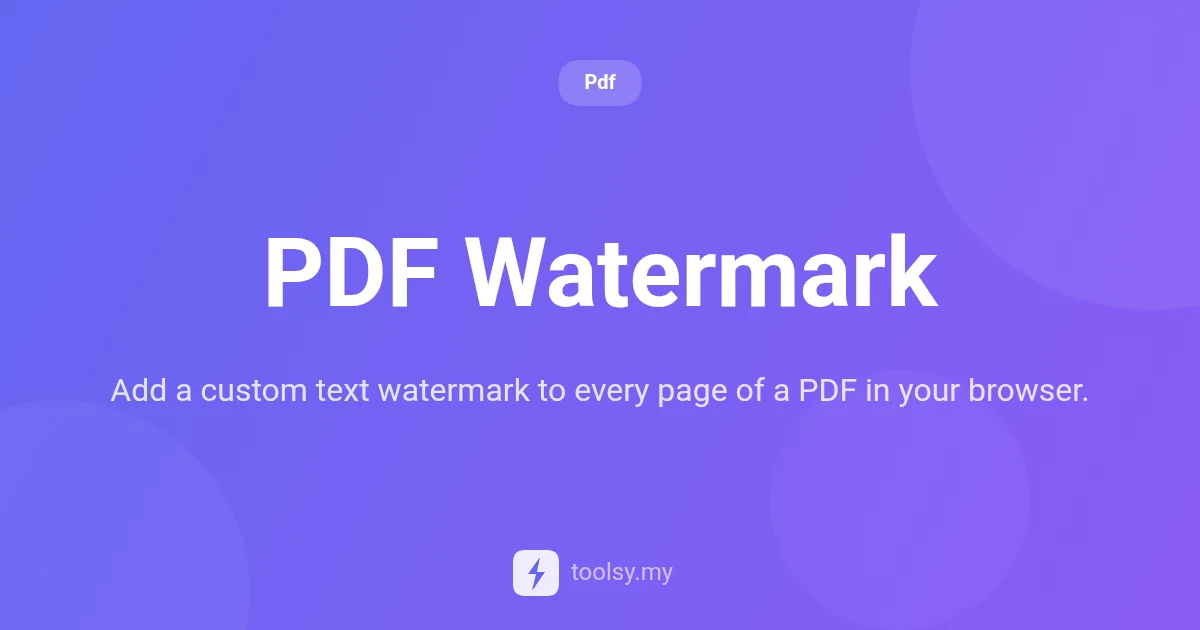
Add custom text watermarks to your PDF files instantly in your browser. Adjust opacity, font size, and position without uploading files to any server.
In the digital age, protecting your intellectual property and maintaining document branding is more important than ever. Whether you are sharing a draft of a novel, a confidential business proposal, or a creative portfolio, you need a way to mark your documents as yours. However, many online tools require you to upload sensitive files to their servers, creating a significant privacy risk.
Introducing PDF Watermark, a specialized utility designed to give you full control over your document branding without compromising security. By processing everything locally in your web browser, this tool ensures that your files never leave your device while providing professional-grade customization for your PDF pages. You can access the tool directly at https://toolsy.my/t/pdf-watermark.
If you have been looking for a fast, free, and secure way to apply a text stamp to every page of your document, you are in the right place. In this guide, we will explore exactly how the PDF Watermark tool works and how you can leverage its features to protect your work.
PDF Watermark is a browser-based tool that allows users to add a custom text watermark to every page of a PDF file. Unlike traditional software that requires installation or cloud-based services that store your data, this tool operates entirely on the client side. This means the "heavy lifting" of modifying the PDF happens using your computer's resources within the browser environment.
The tool provides a simple interface where you can input specific text—such as "CONFIDENTIAL," "DRAFT," or your company name—and overlay it across your document. It is designed for speed and privacy, offering an instant download once the watermarking process is complete.
The primary advantage of using this specific tool is the combination of privacy and customization. Because there are no file uploads to any server, it is the ideal choice for professionals handling sensitive legal, financial, or personal documents.
Furthermore, the tool is part of a free tier, meaning you can process documents without a credit cost. With a generous rate limit for both anonymous and authenticated users, it serves as a reliable daily driver for administrative tasks. Instead of opening complex photo editors or expensive PDF suites, you can simply load the URL and finish your task in seconds.
Based on the tool manifest, here are the specific capabilities you can utilize:
Using the tool at https://toolsy.my/t/pdf-watermark is straightforward. Follow these steps to secure your document:
Authors and researchers can use the tool to add a "DRAFT" or "DO NOT DISTRIBUTE" watermark across every page of their work before sending it to editors or peers for review. This ensures the status of the document is clear to every reader.
Small business owners can add their company name as a subtle text watermark in the corner of every page. This maintains brand consistency and makes it clear who authored the proposal, even if pages are printed or shared individually.
Legal and HR professionals often need to mark documents as "CONFIDENTIAL." Using the PDF Watermark tool allows them to do this securely without the risk of uploading sensitive employee or client data to a third-party server.
When working through multiple iterations of a document, adding a watermark like "Version 2.0" or "Final" helps prevent team members from accidentally using outdated information.
No. The PDF Watermark tool processes your file directly in your browser. No file data is ever uploaded to our servers, ensuring 100% privacy for your documents.
Yes. You can enter any custom text you like, such as your name, company, or a status like "URGENT," and it will be applied to every page of the PDF.
Anonymous users can process up to 20 files, while authenticated users have a limit of 100. There is no credit cost to use this tool as it is part of our free tier.
Yes, the tool includes an opacity setting that allows you to make the text as bold or as transparent as you need for your specific document.
Adding a watermark shouldn't be a complicated or risky process. With the PDF Watermark tool, you get a fast, secure, and highly customizable way to protect and brand your documents. By keeping the entire process within your browser, you maintain total control over your data while achieving professional results.
Ready to secure your documents? Visit https://toolsy.my/t/pdf-watermark today and add your custom text watermark in seconds.
Found this helpful? Share it
Try it yourself — it's free to use
Add a custom text watermark to every page of a PDF in your browser.
Open PDF Watermark →