Content is loading…
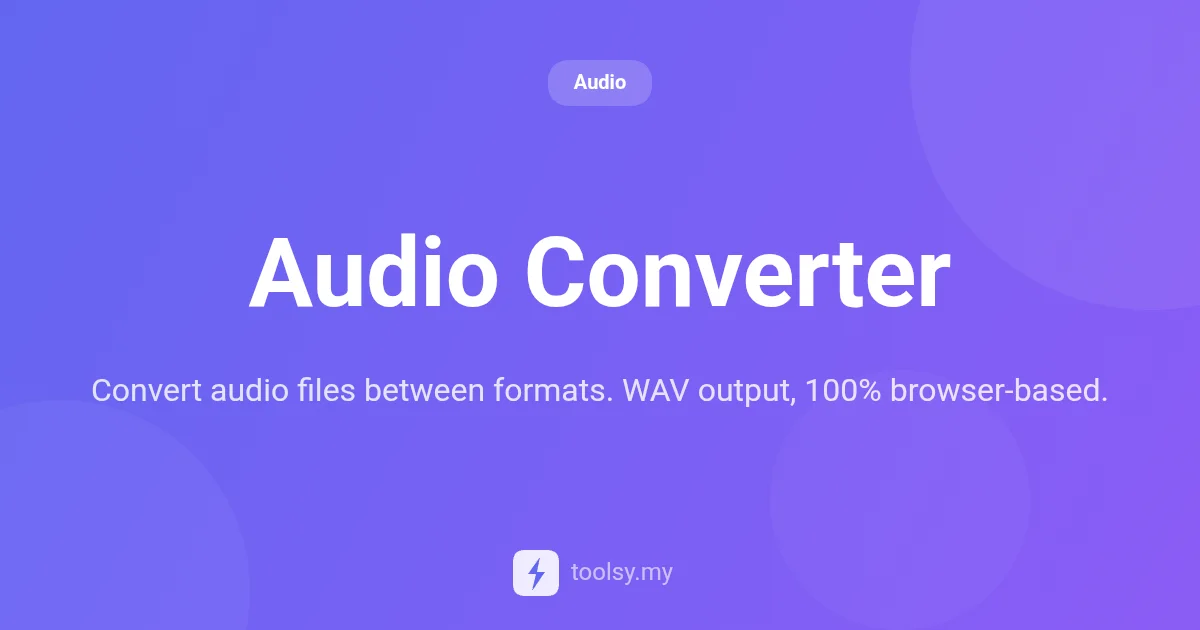
Convert MP3, OGG, FLAC, and M4A to high-quality WAV files instantly. 100% private, browser-based audio conversion with no uploads required. Try it now!
In the world of digital media, audio compatibility is a frequent hurdle for creators, developers, and casual users alike. Whether you are dealing with a voice memo in M4A format that won't play in your editing software, or an OGG file that needs to be converted for a specific web project, having a reliable conversion tool is essential. However, many online converters require you to upload your private files to a remote server, raising concerns about data privacy and bandwidth usage.
Enter the Audio Converter at https://toolsy.my/t/audio-converter. This tool reimagines the conversion process by keeping everything local. Instead of sending your data to the cloud, it leverages your browser's processing power to handle file transformations right on your device. This approach ensures maximum privacy and speed, especially for those working with sensitive audio content or large libraries.
Audio Converter is a specialized web-based utility designed to transform various audio formats into high-quality, uncompressed WAV (PCM) files. It is built for users who need a quick, reliable way to standardize their audio assets without installing heavy software or risking their privacy on third-party servers.
The tool is remarkably versatile, supporting a wide range of input formats including MP3, WAV, OGG, M4A, FLAC, and AAC. Regardless of the source format, the output is always a clean, uncompressed WAV file, which is the industry standard for audio editing and high-fidelity playback. Because the tool is 100% browser-based, it works on any device with a modern web browser—no installation, no registration, and no cost.
There are several distinct advantages to using this specific Audio Converter over traditional desktop software or cloud-based alternatives:
Based on the manifest, here are the core features you can expect from the Audio Converter:
Using the Audio Converter is straightforward and designed for efficiency. Follow these steps to get your files converted:
Many professional Digital Audio Workstations (DAWs) perform best with uncompressed WAV files. If you have recorded a podcast or a musical idea as an MP3 or M4A on your phone, you can use the Audio Converter to turn it into a WAV file before importing it into your editing suite. This prevents the software from having to decode compressed formats on the fly.
Game developers often work with various audio sources. If you have gathered sound effects in OGG and AAC formats, you can use this tool to convert them all to WAV. This ensures a consistent format for your asset pipeline before you apply final compression for the game engine.
Some older hardware players or specific industrial software only support uncompressed PCM WAV files. If you have a modern FLAC or MP3 library that needs to be played on such a system, the Audio Converter provides a quick bridge to make those files compatible.
If you are a journalist or researcher with sensitive interview recordings in M4A format, you might be hesitant to use online converters. Using this tool ensures that your interviews never touch a remote server, allowing you to convert them to WAV locally before using them in transcription software.
Yes! The Audio Converter explicitly supports MP3 as an input format and outputs uncompressed PCM WAV files.
No. One of the primary features of this tool is that all processing happens locally on your device. No upload is required, ensuring your data stays private.
Supported input formats include MP3, WAV, OGG, M4A, FLAC, AAC, and several others. All of these will be converted into a WAV output.
Anonymous users can perform up to 30 conversions, while authenticated users can perform up to 150 conversions according to the tool's rate limits.
The Audio Converter is a powerful, private, and efficient solution for anyone needing to standardize their audio files into the WAV format. By eliminating the need for server-side uploads, it provides a level of security and speed that traditional converters simply cannot match. Whether you're a developer, a content creator, or just someone looking to fix a file compatibility issue, this tool is an essential addition to your digital toolkit.
Ready to convert your files? Visit https://toolsy.my/t/audio-converter and experience the convenience of 100% browser-based audio conversion today.
Found this helpful? Share it
Try it yourself — it's free to use
Convert audio files between formats. WAV output, 100% browser-based.
Open Audio Converter →