Content is loading…
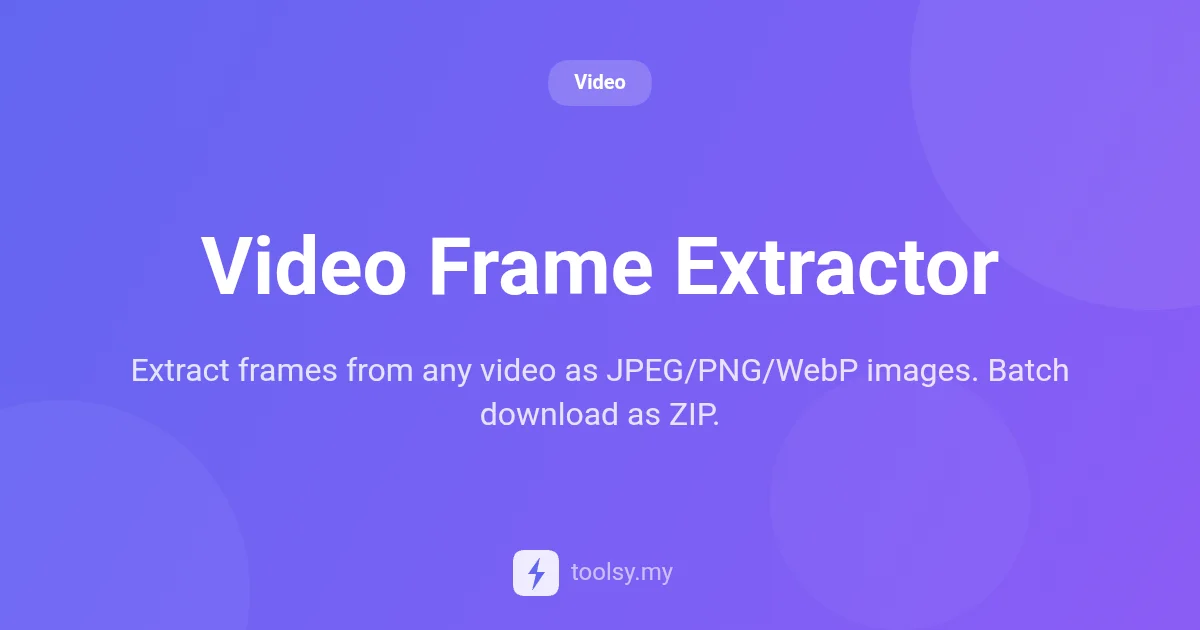
Extract individual frames or full strips from MP4, WebM, or MOV videos. Save as JPEG, PNG, or WebP locally in your browser. No uploads required. Try it now!
Finding the perfect shot within a video clip can often feel like searching for a needle in a haystack. Whether you are a content creator looking for the ideal YouTube thumbnail, a designer needing a high-quality still for a layout, or a developer documenting a software bug, capturing specific frames with precision is essential. Traditionally, this required heavy video editing software that takes ages to load and even longer to master.
Enter the Video Frame Extractor, a streamlined, browser-based solution designed to solve the problem of frame capture without the overhead. This tool allows you to pull high-resolution images directly from your video files with surgical precision. Best of all, it respects your privacy and your bandwidth by processing everything locally on your machine.
In this guide, we will explore how you can leverage this tool to turn your video footage into a library of high-quality images, the technical benefits of local processing, and the various ways you can customize your output formats to suit your specific project needs.
The Video Frame Extractor is a specialized utility that allows users to pull individual frames or a sequence of frames (a frame strip) from video files. Unlike many online converters that require you to upload your bulky video files to a remote server, this tool operates entirely within your web browser. It supports popular formats including MP4, WebM, and MOV.
The tool is designed for both speed and flexibility. You can choose to capture a single moment by navigating to a specific timestamp, or you can automate the process by setting intervals to extract dozens of frames at once. Once the extraction is complete, you can download your images in industry-standard formats like JPEG, PNG, or WebP. For those performing batch extractions, the tool conveniently packages all images into a single ZIP file for easy management.
There are several compelling reasons to choose this tool over traditional screen-capping methods or cloud-based extractors:
Based on the tool manifest, here are the core capabilities you can expect when using the Video Frame Extractor:
Extracting images from your videos is a straightforward process. Follow these steps to get the best results:
* For multiple shots, set an automatic interval (e.g., one frame every 5 seconds).
How can you put this tool to work? Here are a few real-world scenarios:
If you are a YouTuber or social media manager, you know that the right thumbnail can make or break a video's performance. Instead of hoping for a good auto-generated preview, use the Video Frame Extractor to find the most expressive or action-packed frame in your MP4 file and save it as a high-quality PNG.
Animators and directors can use the interval extraction feature to create a frame strip. By extracting a frame every few seconds, you can quickly visualize the pacing and composition of a scene, making it easier to plan edits or communicate vision to a team.
Web developers often need still images from videos for hero sections or background placeholders. By extracting frames directly to WebP format, you ensure that the images are highly compressed and ready for fast web loading without needing an intermediate conversion step.
If you are creating a technical guide, you can record a screen capture as a MOV file and then use this tool to extract specific frames of the UI. This ensures you get a clean "screenshot from video" without the mouse cursor or OS elements interfering with the shot.
No. The Video Frame Extractor processes everything locally in your browser. Your video is never uploaded to a server, ensuring your data remains private and secure.
Yes. You can set an automatic interval to batch extract dozens of frames throughout the duration of your video. These can all be downloaded at once in a ZIP file.
You can upload and extract frames from MP4, WebM, and MOV files. These are the most common formats used in modern video production and web delivery.
The Video Frame Extractor is a free tool. Anonymous users have a rate limit of 30 uses, while authenticated users can perform up to 100 extractions.
The Video Frame Extractor is a powerful, privacy-focused utility that simplifies the task of turning video moments into high-quality image assets. By eliminating the need for server-side uploads and offering flexible export options like JPEG, PNG, and WebP, it provides a professional-grade experience directly in your browser.
Whether you need a single thumbnail or a comprehensive frame strip, this tool is built to handle your video-to-image needs with speed and precision. Ready to start capturing? Head over to https://toolsy.my/t/video-frame-extractor and extract your first set of frames today!
Found this helpful? Share it
Try it yourself — it's free to use
Extract frames from any video as JPEG/PNG/WebP images. Batch download as ZIP.
Open Video Frame Extractor →