Content is loading…
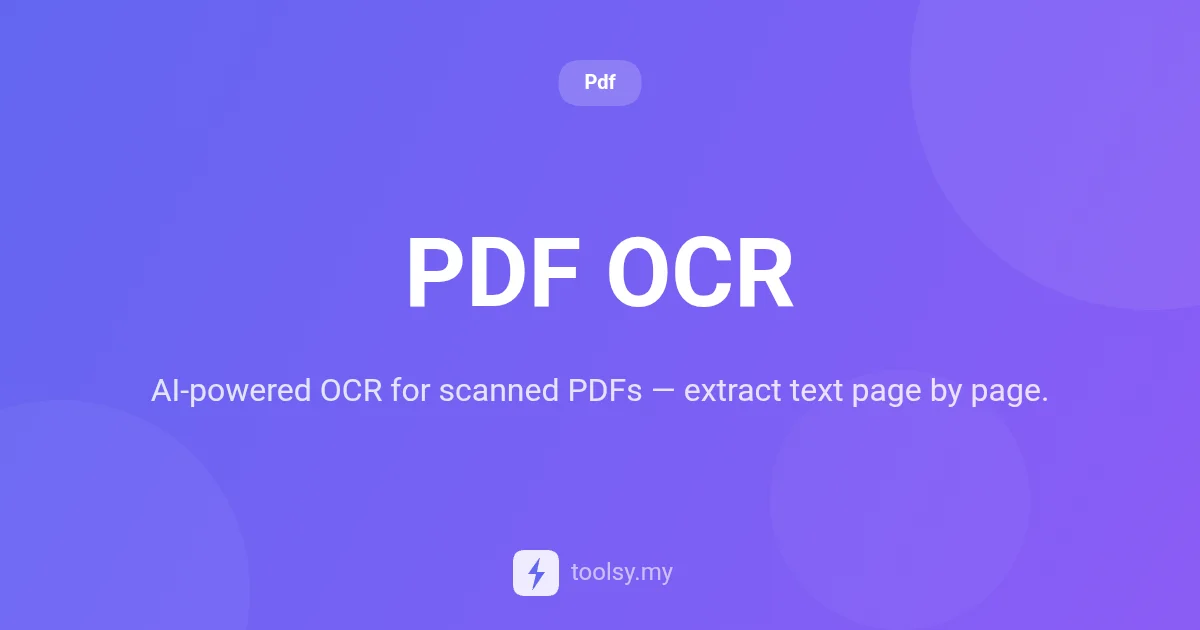
Learn how to extract text from scanned PDFs and image-based pages using AI vision. Process PDF pages individually with Google Gemini for high accuracy.
In the modern digital landscape, the inability to interact with your own documents is a significant productivity bottleneck. We have all encountered those frustrating PDF files—scanned contracts, archived reports, or image-heavy documents—where the text is trapped inside a static image. You cannot search, copy, or edit the content, rendering the data practically invisible to your workflow.
Traditional Optical Character Recognition (OCR) often struggles with complex layouts or low-quality scans, leading to errors that require hours of manual correction. However, the integration of AI vision has transformed this process. By leveraging advanced models like Google Gemini, you can now digitize your static documents with unprecedented precision, ensuring that every word is captured exactly as it appears on the page.
If you are looking for a reliable way to turn image-based pages into usable data, the PDF OCR tool at https://toolsy.my/t/pdf-ocr offers a premium, AI-driven solution designed specifically for scanned documents.
PDF OCR is a specialized AI-powered tool designed to extract text from scanned PDFs and image-based PDF pages. Unlike standard PDF readers that only look for embedded text layers, this tool uses AI vision to "see" and interpret the visual content of each page.
Each page of your document is processed individually by Google Gemini, one of the most advanced AI vision models available. This ensures that the tool can identify characters, words, and sentences even when they are embedded within a flat image file. Whether you are dealing with a single-page scan or a multi-page document, the tool systematically converts visual information into digital text that you can actually use.
The primary advantage of using an AI-driven OCR tool is accuracy. Standard OCR software often misinterprets similar-looking characters (like 'l' and '1') or fails when the scan is slightly tilted. By using AI vision, the PDF OCR tool understands context, which significantly improves the quality of the text extraction.
Furthermore, this tool operates on a fair usage model. Credits are billed based on actual usage, with a minimum of 1 credit per page. This means you only pay for pages that are successfully processed, providing a cost-effective solution for both small tasks and larger archival projects. For authenticated users, the tool supports a rate limit of up to 50 requests, making it suitable for professional environments where document volume is a factor.
The PDF OCR tool is built with a specific set of high-performance features focused on document digitizing:
Getting started with document extraction is straightforward. Follow these steps to convert your scanned files at https://toolsy.my/t/pdf-ocr:
Because of its AI-powered nature, this tool excels in various real-world scenarios where standard PDF tools fail:
Legal professionals often deal with older contracts that were scanned into PDF format years ago. Using PDF OCR, these firms can extract the text from these scans to make them searchable within their internal databases, making it easy to find specific clauses without manual reading.
If you have physical reports that were saved as image-based PDFs, you can use the tool to extract the data into a text format. This allows you to move data from a static page into a spreadsheet or a digital document for further analysis.
Marketing materials or brochures often save text as part of an image to preserve fonts and layouts. Standard PDF-to-text tools see nothing in these files. PDF OCR uses AI vision to identify the text within these designs and extract it for repurposing in new content.
To get the best results from the PDF OCR tool, consider the following power-user tips:
Credits are billed based on actual usage. There is a minimum of 1 credit per page. One of the best features of this tool is that you only pay for pages that are successfully processed by the AI vision system.
Yes. Unlike standard PDF tools that only read text layers, PDF OCR uses Google Gemini AI vision to identify and extract text that is embedded directly into images or scanned pages.
For authenticated users, there is a rate limit of 50. Anonymous users currently have a limit of 0, so you must be logged in to utilize the premium AI OCR features.
Yes, every page is processed individually by Google Gemini AI. This provides a much higher level of accuracy for scanned documents than traditional non-AI OCR methods.
Stop letting your data stay trapped in scanned documents. Whether you are dealing with old archives, scanned invoices, or image-based reports, the PDF OCR tool provides the AI-powered vision necessary to convert those images into searchable, editable text. By utilizing Google Gemini, it ensures that your text extraction is handled with the highest degree of modern technical precision.
Ready to digitize your documents? Visit https://toolsy.my/t/pdf-ocr today and start extracting text from your scanned PDFs with the power of AI vision.
Found this helpful? Share it
Try it yourself — it's free to use
AI-powered OCR for scanned PDFs — extract text page by page.
Open PDF OCR →