Content is loading…
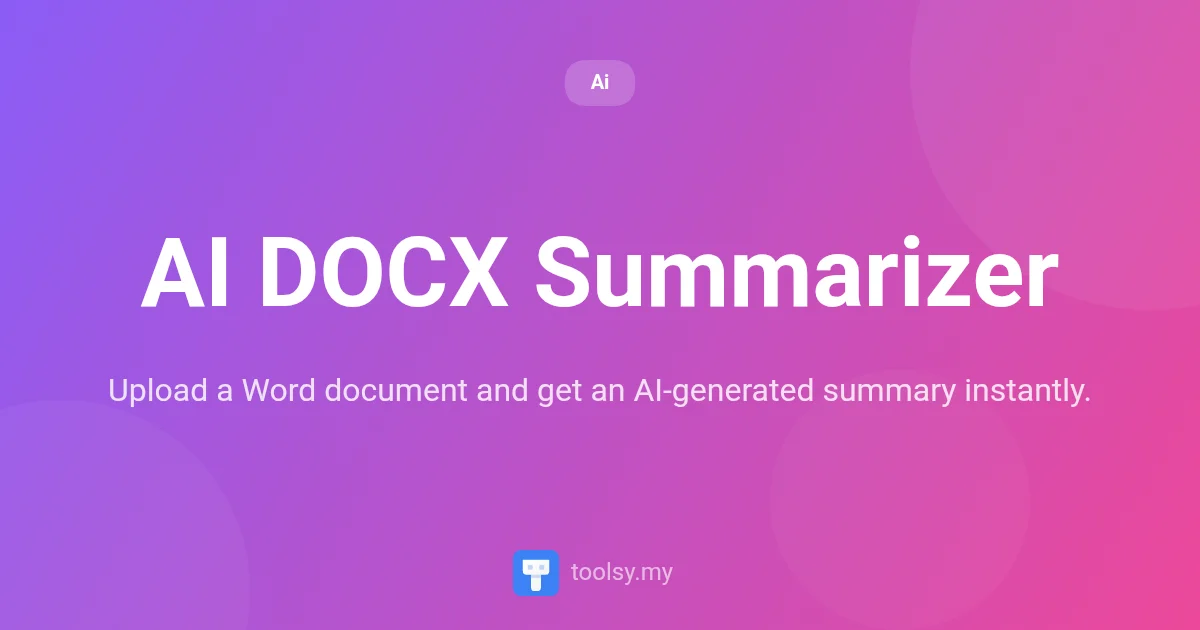
Learn how to use AI DOCX Summarizer to get concise summaries of Word documents. Choose summary length and focus while keeping your files private and secure.
In today’s fast-paced digital environment, the volume of information we process daily can be overwhelming. Whether you are a student reviewing lecture notes, a professional catching up on lengthy reports, or a researcher scanning through manuscripts, the time required to read every page of a Word document is a luxury many don't have. This is where the power of artificial intelligence becomes an essential part of your workflow.
Introducing the AI DOCX Summarizer, a streamlined tool designed to transform how you interact with .docx files. Instead of spending hours manually highlighting text or drafting summaries, you can now leverage advanced AI to do the heavy lifting for you. By extracting the core essence of any Word document, this tool allows you to focus on what truly matters: understanding and action.
You can access this tool directly at https://toolsy.my/t/ai-docx-summarizer to start optimizing your reading time today. In this guide, we will explore exactly how this tool works, its unique security features, and how you can get the most out of every summary it generates.
AI DOCX Summarizer is a specialized web-based application that allows users to upload any Word (.docx) document and receive a concise, AI-generated summary in seconds. Unlike generic text tools, this application is specifically optimized for the .docx format, ensuring that text is correctly parsed and understood by the underlying AI models.
The tool provides users with granular control over the output. You aren't just getting a one-size-fits-all paragraph; you can choose the length of the summary and the specific focus of the output. Whether you need a broad overview or a list of specific action items, the AI DOCX Summarizer adapts to your requirements. One of its most distinctive features is its approach to privacy: text is extracted directly in your browser before being sent to the AI, ensuring your original file never leaves your device.
The primary advantage of using the AI DOCX Summarizer is efficiency. In a world where "too long; didn't read" is a common sentiment, this tool provides a shortcut to comprehension. By using this tool, you can significantly reduce the time spent on administrative reading and increase the time spent on decision-making.
Furthermore, the tool addresses the major concern of data privacy. Many online converters require you to upload your files to a remote server where they are stored and processed. AI DOCX Summarizer changes this dynamic by performing the text extraction locally on your machine. This means the actual .docx file stays with you, and only the raw text needed for the summary is processed by the AI.
The AI DOCX Summarizer is built with a specific set of features designed for speed, accuracy, and security:
Getting started with the AI DOCX Summarizer is simple and requires no technical expertise. Follow these steps to summarize your first document:
* Key Points: To identify the most important arguments or data. * Action Items: To extract tasks, deadlines, and next steps.
Because of its versatility, the AI DOCX Summarizer can be applied to various professional and personal scenarios:
Turn lengthy, rambling meeting transcripts saved as Word docs into a clear list of action items. This ensures that every team member knows exactly what they are responsible for without having to re-read the entire transcript.
Students and researchers can upload long academic papers or chapters to get a general overview or key points. This helps in determining if a specific paper is relevant to their thesis before committing to a full deep-dive read.
While not a replacement for legal advice, the tool can help you find key points in a service agreement or contract, allowing you to identify the most critical clauses and terms quickly.
Managers can use the tool to summarize project proposals from vendors or internal teams, focusing on the general overview to get a high-level understanding of the scope and budget requirements.
To get the best results from the AI DOCX Summarizer, keep these tips in mind:
docx-to-text converter first, though the AI DOCX Summarizer is the most efficient path for .docx files.Yes. The AI DOCX Summarizer extracts the text from your .docx file directly within your web browser. The actual file is never uploaded to a server; only the extracted text is sent to the AI for summarization.
Absolutely. You can select between three primary focus modes: a general overview, key points, or specific action items. This allows you to tailor the summary to your specific needs.
For authenticated users, there is a rate limit of 50 documents. Each summarization task costs 1 credit.
This specific tool is optimized for .docx files (Word documents). For other formats like PDFs, you may want to look at the AI PDF Summarizer available in the related tools section.
The AI DOCX Summarizer is a powerful ally in the fight against information overload. By combining browser-side security with sophisticated AI analysis, it provides a safe, fast, and reliable way to digest long Word documents. Whether you need to extract a quick list of tasks or a high-level summary of a report, this tool delivers results in seconds.
Stop wasting time on manual reading and start working smarter. Try the AI DOCX Summarizer today at https://toolsy.my/t/ai-docx-summarizer and experience the future of document management.
Found this helpful? Share it
Try it yourself — it's free to use
Upload a Word document and get an AI-generated summary instantly.
Open AI DOCX Summarizer →