Content is loading…
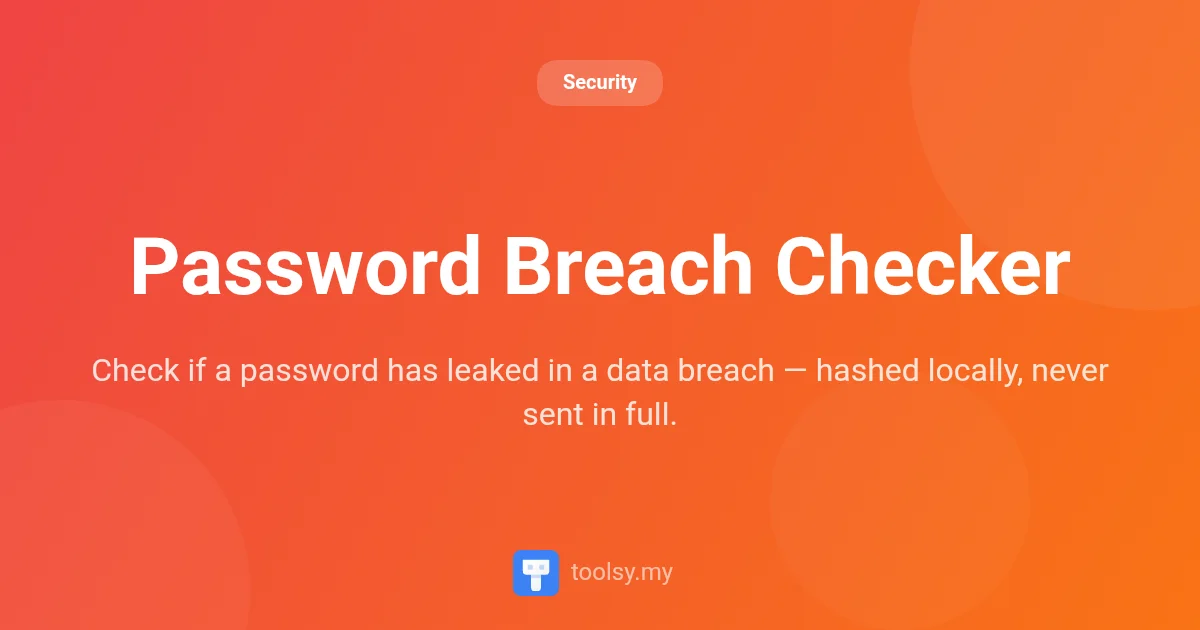
Check if your password has appeared in known data breaches using our Password Breach Checker. Secure, local SHA-1 hashing ensures your data never leaves the browser.
In an era where digital security is paramount, knowing whether your credentials have been compromised is the first line of defense. Every year, billions of records are exposed in high-profile data breaches, leaving users vulnerable to account takeovers and identity theft. The challenge for most users is finding a way to verify their security without actually risking the exposure of their sensitive passwords to a third-party service.
Enter the Password Breach Checker, a specialized security tool designed to give you peace of mind. By leveraging industry-standard databases and advanced privacy protocols, this tool allows you to audit your credentials against known leaks without ever compromising your privacy. Whether you are auditing your personal accounts or verifying the strength of a new password, this tool provides instant, actionable intelligence.
You can access the tool directly at https://toolsy.my/t/password-breach-checker to begin securing your digital identity today.
The Password Breach Checker is a privacy-focused security utility that allows users to check whether a specific password has appeared in known data breaches. It functions by querying the renowned Have I Been Pwned Pwned Passwords database, which contains hundreds of millions of passwords previously exposed in web breaches.
What sets this tool apart is its commitment to "Zero Knowledge" security. Most users are rightfully hesitant to type a real password into a website to check its safety. However, this tool is built so that your password never leaves your browser. It uses a sophisticated method known as k-anonymity to ensure that the full password and even its full hash are never transmitted over the internet. It is a free, fast, and essential resource for anyone serious about their online security posture.
Using a leaked password—even a complex one—is one of the most significant security risks you can take. Hackers frequently use "credential stuffing" attacks, where they take lists of leaked passwords and try them across thousands of different websites. If your password is on one of these lists, your accounts are at high risk.
By using the Password Breach Checker, you gain several advantages:
The Password Breach Checker is built with specific technical features to ensure both accuracy and safety. Based on its manifest, here are the core capabilities:
Checking your password security is a straightforward process. Follow these steps to use the tool at https://toolsy.my/t/password-breach-checker:
This tool is versatile enough for various security-conscious scenarios:
Yes. The description confirms that your password never leaves your browser. It is hashed with SHA-1 locally, and only the first 5 characters of that hash are sent to the API. This k-anonymity approach ensures the full password and full hash are never transmitted.
The tool uses the Have I Been Pwned Pwned Passwords database. This is a massive, industry-recognized repository of passwords that have been exposed in data breaches over the last decade.
If the tool indicates your password has been leaked, you should change it immediately on every service where it is used. Using a password that appears in a breach database makes you highly susceptible to automated credential stuffing attacks.
No. The tool is designed so that the full password and full hash are never transmitted to any server. There is no storage mechanism for the passwords you check.
Maintaining digital security requires the right tools and a proactive mindset. The Password Breach Checker provides a vital service by allowing you to cross-reference your credentials against billions of leaked records without compromising your privacy through local SHA-1 hashing and k-anonymity.
Don't wait for an account compromise to take action. Head over to https://toolsy.my/t/password-breach-checker and verify your password security today. It is free, secure, and an essential step in protecting your online presence.
Found this helpful? Share it
Try it yourself — it's free to use
Check if a password has leaked in a data breach — hashed locally, never sent in full.
Open Password Breach Checker →