Content is loading…
Encrypt and decrypt text locally using AES-256-GCM and PBKDF2. Secure your messages with bank-grade encryption directly in your browser. No data sent to servers.
In an era where digital privacy is increasingly under threat, finding a reliable way to protect your sensitive information is paramount. Whether you are sending confidential credentials, personal notes, or private messages, you need a method that ensures only the intended recipient can read the content. Generic messaging apps often claim to be secure, but true security comes from having control over the encryption process yourself.
Enter the Text Encryption tool, a high-performance, browser-based utility designed to provide bank-grade security without the complexity of traditional encryption software. By utilizing modern cryptographic standards, this tool allows you to transform any plain text into an unreadable string of characters that can only be unlocked with the correct passphrase.
Because the tool operates entirely within your local environment, you never have to worry about your private keys or sensitive messages being intercepted by a third-party server. It represents the perfect balance between high-end security and user-friendly accessibility for developers, security professionals, and privacy-conscious users alike.
Text Encryption is a dedicated security utility available at https://toolsy.my/t/text-encrypt that allows users to perform both encryption and decryption of text data. It leverages the AES-256-GCM (Advanced Encryption Standard with Galois/Counter Mode) algorithm, which is the gold standard for data protection used by governments and financial institutions worldwide.
The tool is built on the Web Crypto API, a modern interface that allows web applications to perform cryptographic operations locally. When you enter a passphrase and a message, the tool does not simply use the password as the key. Instead, it employs PBKDF2 (Password-Based Key Derivation Function 2) with a rigorous 310,000 iterations to derive a strong cryptographic key. This process significantly hardens your encryption against brute-force attacks. The final output is a compact base64 string that contains everything needed for decryption (the ciphertext, salt, and IV), provided you have the original passphrase.
The primary advantage of using this specific Text Encryption tool is its "Zero-Knowledge" architecture. Unlike many online converters that process data on a backend server, this tool performs every calculation locally in your browser.
Based on the technical manifest of the tool, here are the core features you can rely on:
Using the tool at https://toolsy.my/t/text-encrypt is straightforward. Follow these steps to secure your text:
If you need to send a password or an API key to a colleague over an insecure channel like Slack or Email, you can encrypt the credential first. Send the encrypted base64 string publicly, and share the passphrase through a different, secure channel.
Keep a local file of sensitive personal notes or recovery codes. Instead of saving them in plain text, use the tool to encrypt them. You only need to remember one master passphrase to unlock your various notes whenever you need them.
If you need to post information on a public forum or board that only a specific person should see, you can post the encrypted string. As long as the recipient knows the passphrase, they can use the tool to read your message while it remains gibberish to everyone else.
Developers can use the tool to quickly encrypt environment variables or configuration snippets before moving them between different environments or storing them in non-encrypted version control systems.
No. The Text Encryption tool performs all operations locally in your browser using the Web Crypto API. Your text and passphrase are never sent to any server.
Because this is a secure, local-only tool, there is no "password recovery" feature. If you lose the passphrase used to encrypt the text, the data cannot be decrypted. This is a core security feature of AES-256-GCM.
The tool provides a base64 encoded string. This format is used because it is a compact way to store the encrypted data (ciphertext) along with the necessary metadata (salt and IV) required for the decryption process.
AES-256-GCM provides both high-speed encryption and "authentication." This means it not only hides the content of your message but also ensures that the message has not been altered or corrupted since it was encrypted.
Security doesn't have to be difficult. With the Text Encryption tool, you have access to the same encryption standards used by global banks and government agencies, right in your web browser. By combining AES-256-GCM with a high-iteration PBKDF2 key derivation, this tool provides a robust defense against unauthorized access while maintaining a focus on user privacy through local processing.
Protect your sensitive data today. Visit https://toolsy.my/t/text-encrypt to encrypt your first message securely and easily.
Found this helpful? Share it
Try it yourself — it's free to use
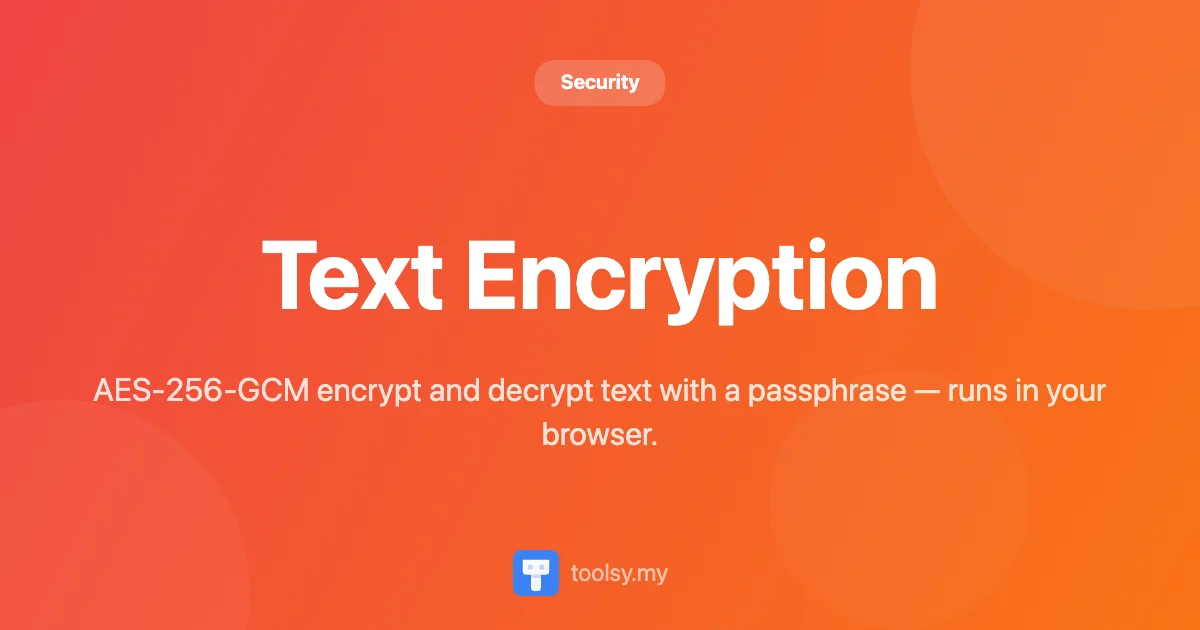
AES-256-GCM encrypt and decrypt text with a passphrase — runs in your browser.
Open Text Encryption →